My prototype is complete, my documentation is all here, and my video is edited and converted… so all that’s left is this last post! This was such a challenging, crazy new experience for me, and while I definitely did not create the most stellar of games, I am happy with the experience and exposure I’ve gained to Unity and the game-making process. This was a really cool way to dip my toes into the world of 3D games for the first time. I’m looking forward to taking all of the things I’ve learned in lecture and in my own practice and applying them (hopefully!) towards a future career in games.
Thank you for this opportunity!
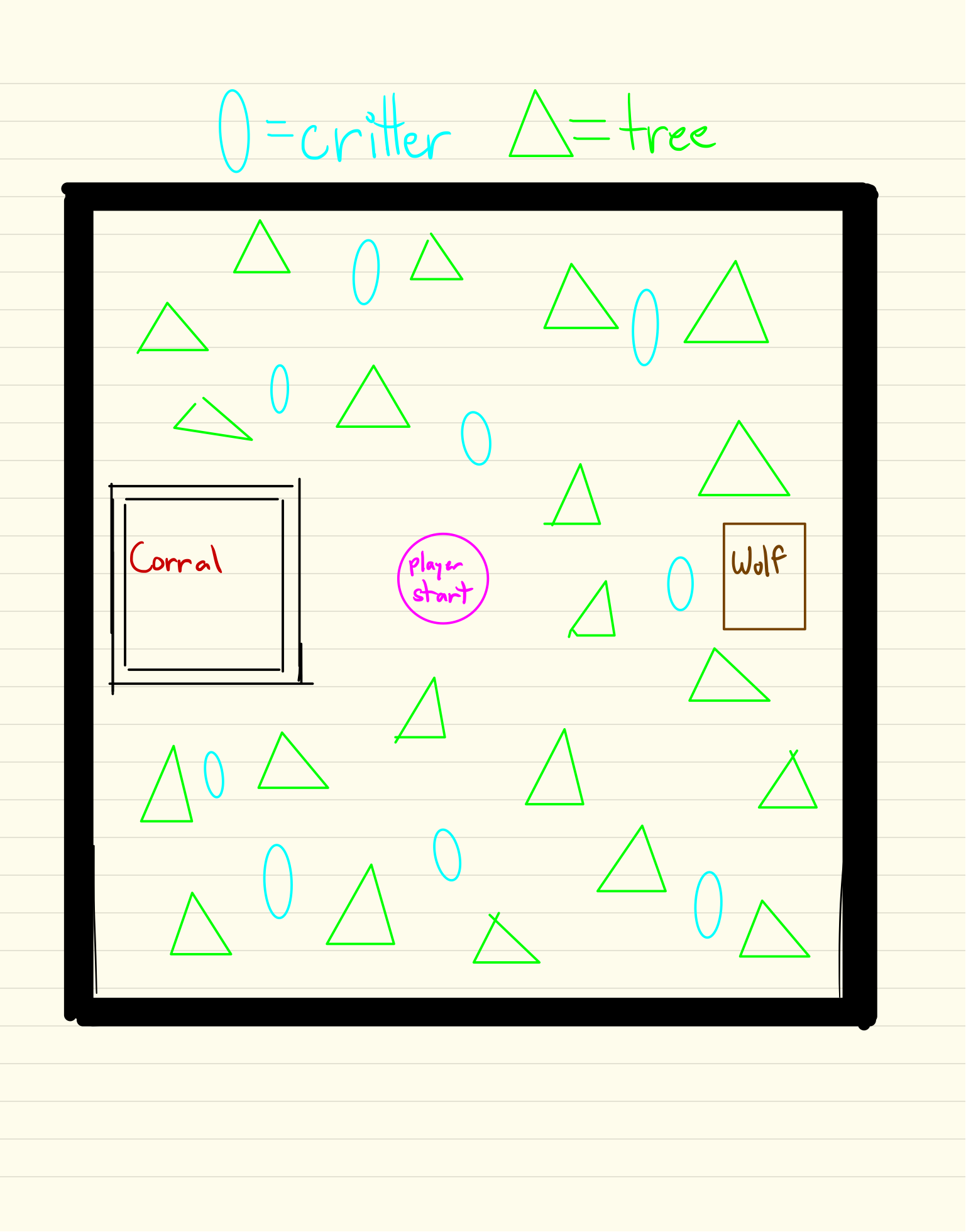
Gameplay Building #5
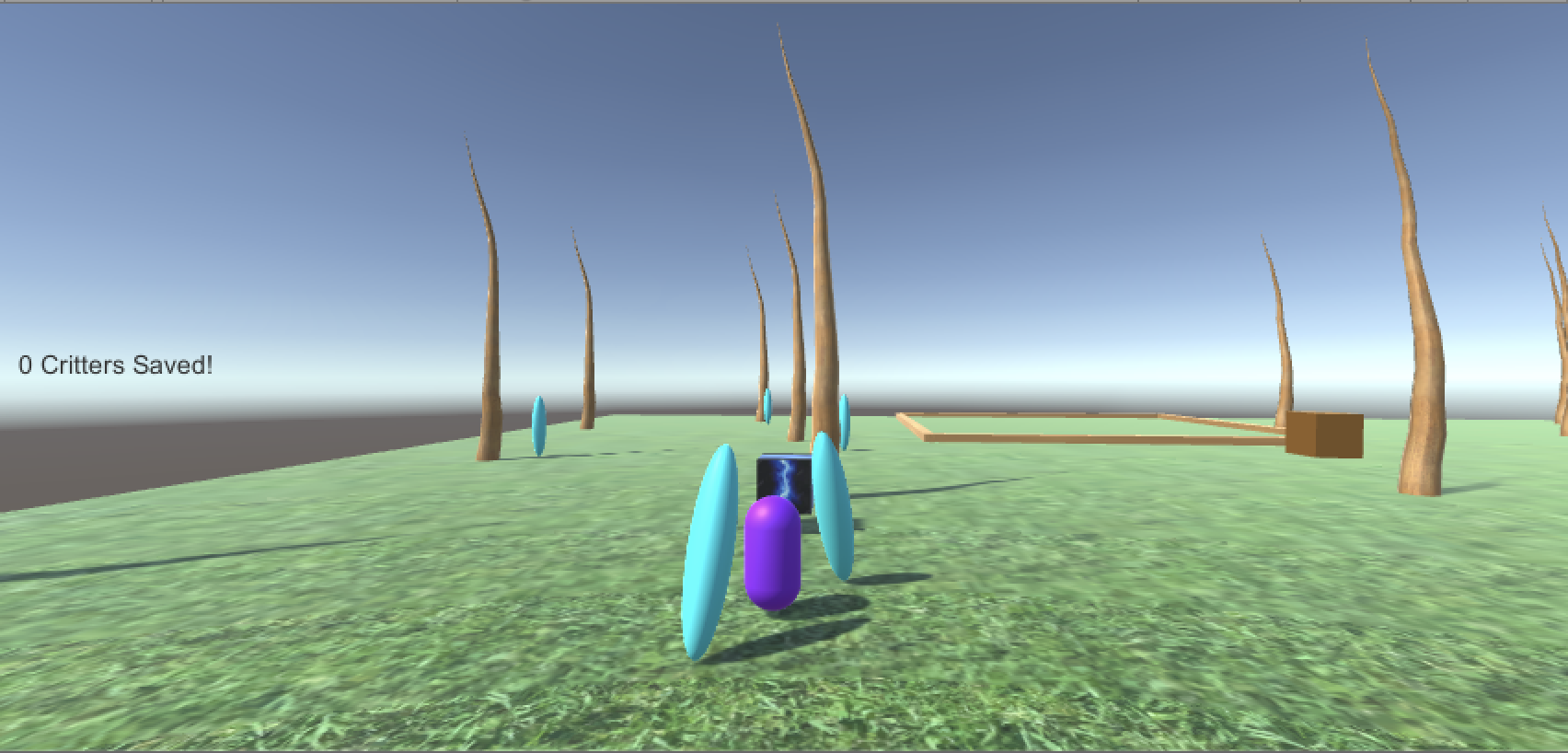
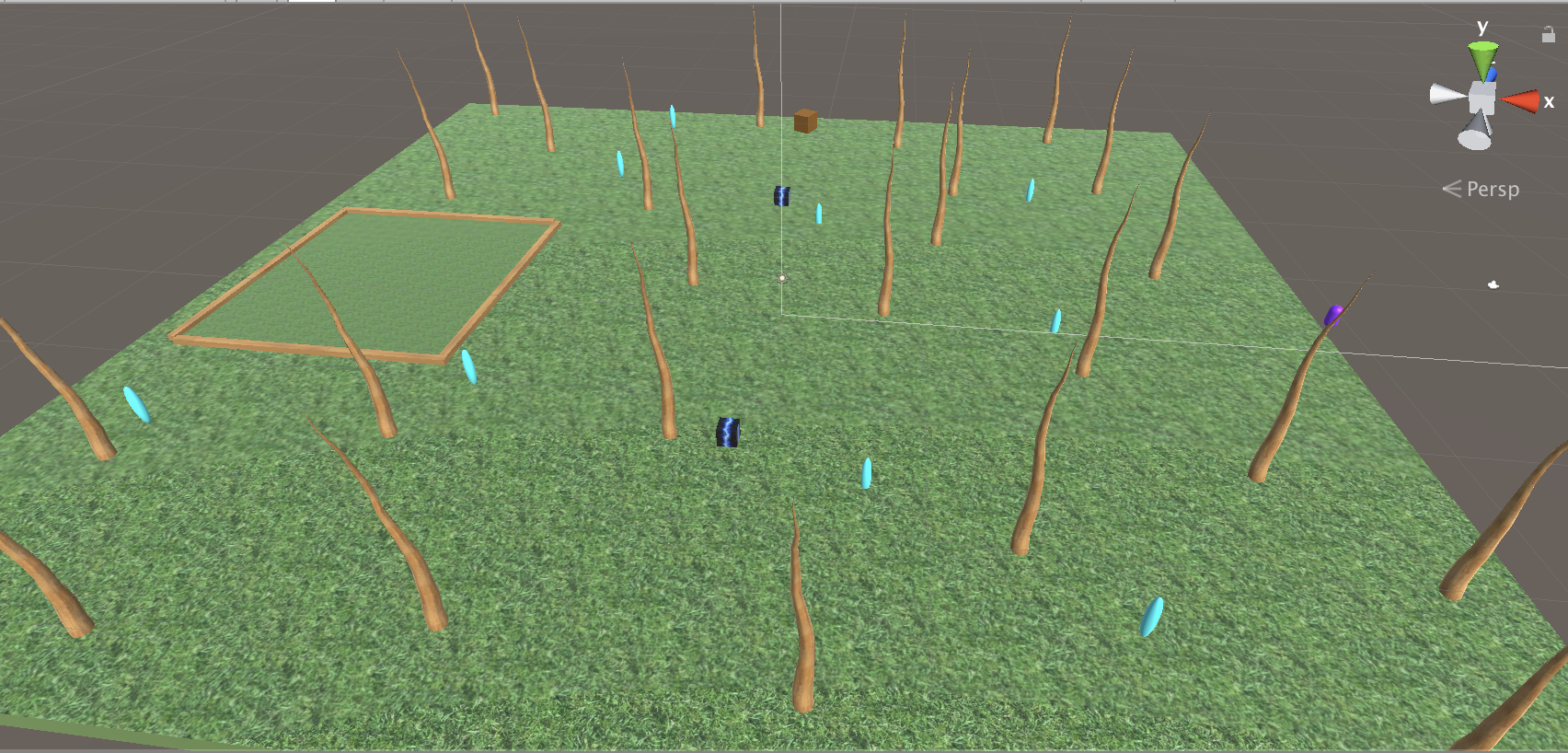
In the Endgame now: I polished up the Corral by transforming the counter into a flat square rather than a wall, with regular boards boxing it in as a target. The speed boosts now wear off over time, and the level design is very, very simple, but effective enough! I reduced the wolf’s speed so there was a greater chance of saving more than 5 critters and I added some simple, naked trees as well. After some bug fixes, it should be good to go soon!
Gameplay Building #4
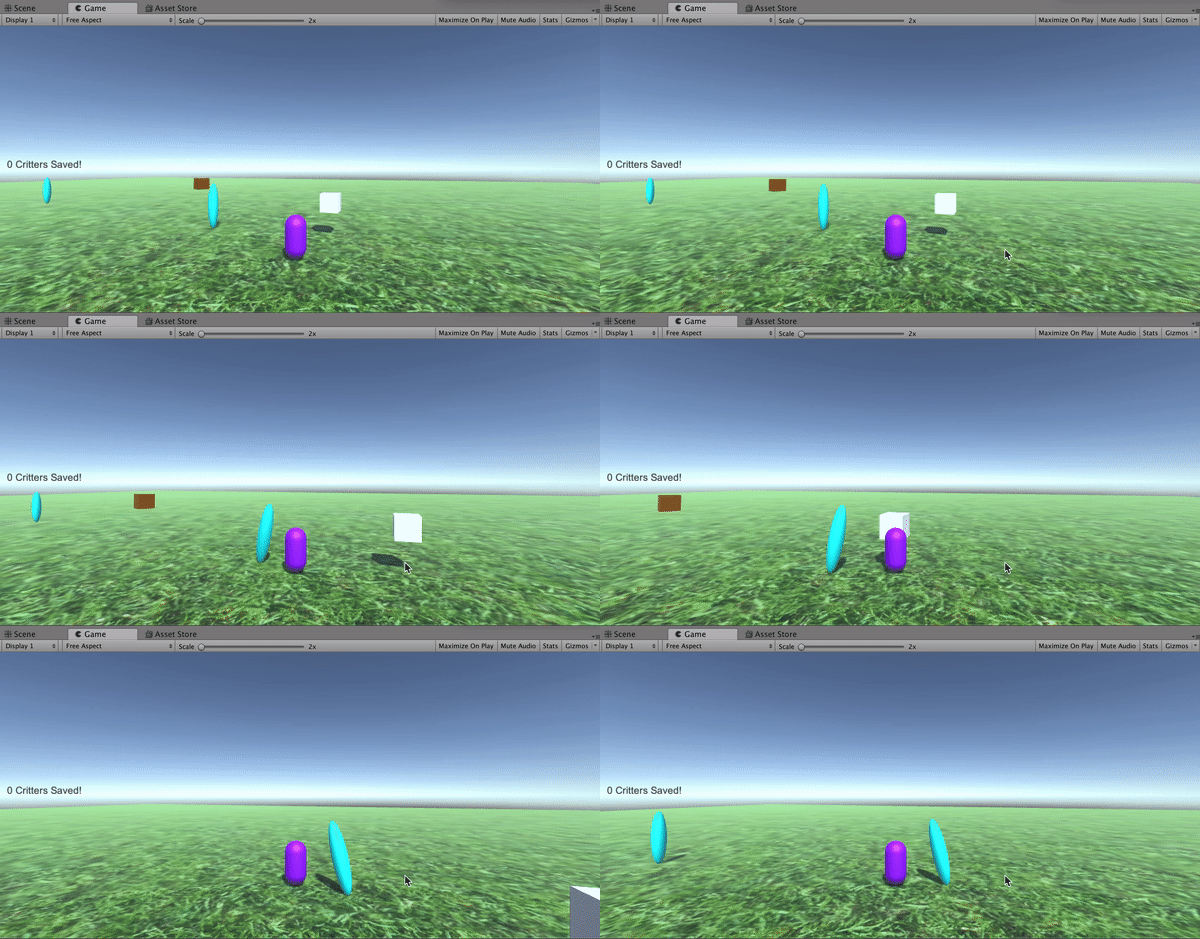
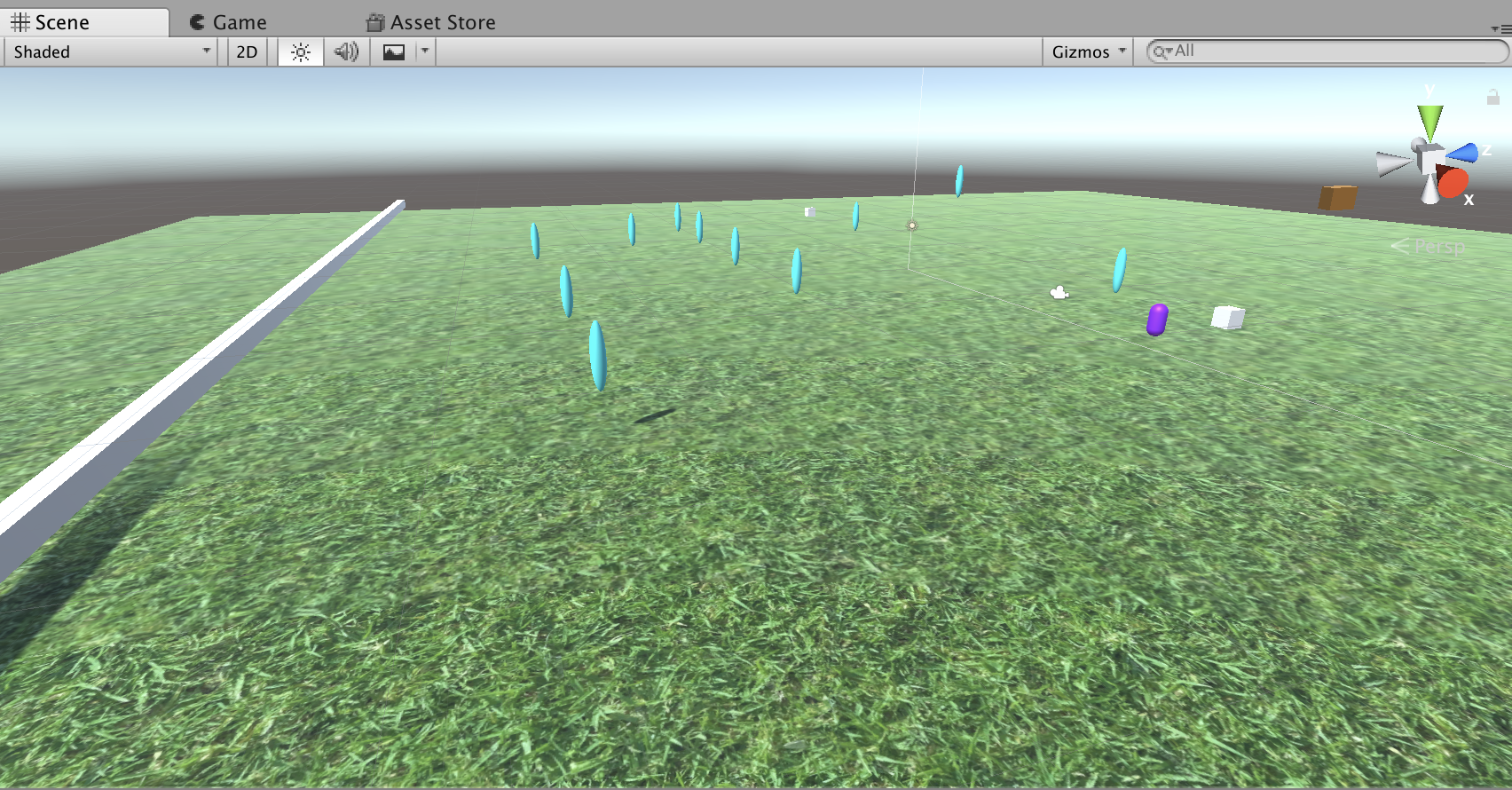
Lots of progress over the last week! The speed boosts are in game along with the fixes to the Wolf; increasing the size of the Critters and replacing the plane with a square seems to have solved the previous issues. I initially had trouble getting the speed change to apply to both the Rescuer and the Critter, but eventually figured out that I needed to use .Get Component <> to equalize the two speed variables. The Corral is now implemented and works by displaying a counter of how many Critters are brought to it!
Next on the list:
-Final level design and polished features
-Rotating cameras?
-Square shaped corral
-Disappearing speed boosts
Gameplay Building #3
I was able to save a good amount of basic script from my previous build and carry it over to my new prototype, including the enemy script, which I customized from a script taken from here, and the Character Controller. With a little bit of finagling, I was able to make assign the Critters a tailored version of the Character Controller that would keep them inactive until the Rescuer entered a radius around them, engaging their movement and activating their following the Rescuer.
Everything has been going smoothly mostly, but the wolf is being tricky. With its current script, it has to “look at” the critter, which causes it to phase through the ground and seek out the Critter’s starting point even though it’s moved.
Goals for next phase:
1. Wolf needs to follow Critter- look at “facing” script?
2. Wolf is phasing through ground, but gravity doesn’t work. Solution?
3. Make a corral!
4. Speed boosts
Gameplay Brainstorming #3
Now that I’ve started over with a simpler concept, I had to figure out my plan of action. The process offered in the lectures really worked well for me (even if my concept ended up being scrapped), so I reiterated that process for a rough game design document!

Well, that didn’t go as planned…
So, I have an unfortunate confession to make. I was not prepared for this class in any way, shape, or form. From the description and emails exchanged with my international advisor, I believed I was equipped with the experience I needed to handle this course… but I was completely and totally wrong. Gameplay Prototyping is a year ahead of the curriculum I was following in the States; I had never taken a coding class, and I had to google lists of game mechanics to get an idea of what the entire course required from me. Even though I went to almost every lecture and practical, I was never able to make myself ask for help because I struggle with depression and anxiety, which has been magnified during my months trying to adjust to living in a new country.
About a month ago, I realized that while I loved the idea for my first game and its mechanics, it was simply too complex of a scope for my level of skill, which is zero. I ended up scrapping all but a couple of pieces of code and started over. I chose one mechanic over several, and have been trying to slowly piece together a simpler, easier to compile game than I began with.
I’m disappointed in my lack of preparation and my inability to catch up to the requirements of the module, but I’m hoping that I will be able to finish with a relatively satisfactory project. And, regardless of the finished product, I learned soooo many invaluable things from the lectures and through trial and error in Unity. I’m definitely excited to continue learning after this module… at a slower pace 🙂
Gameplay Building #2
Today I went into my build looking to accomplish the Golden Apple functionality. At the beginning of the game, you will be presented with three apples the player is able to pick up- I initially wanted these to become part of your inventory, but then realized that it would be much simpler to just have the player destroy the objects and have three apples already equipped to the player, ready to be thrown at any time. With this implemented, I was able to write a script that destroyed the apple after 10 seconds, and another that limits the amount of apples the player can drop to three. I referenced the Unity documentation for GameObject.FindGameObjectsWithTag at one point in the process in order to assign the Golden Apple as a prefab.
I also created a script that makes the character die upon collision with the enemy, which gave me a run around because the player uses the Character Controller rather than a collider, but after rearranging the assets in the inspector I got it to work!
Gameplay Building #1
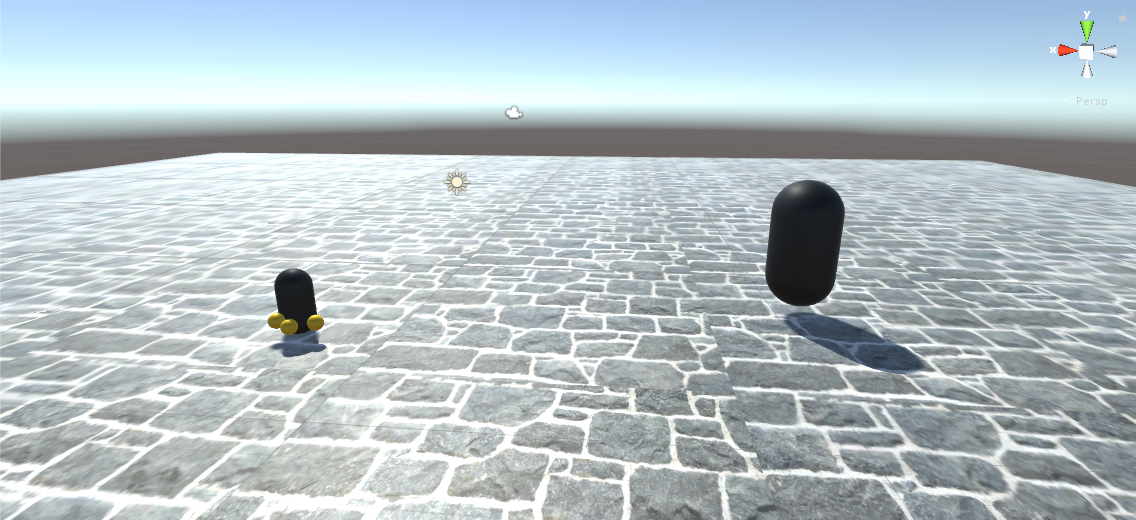
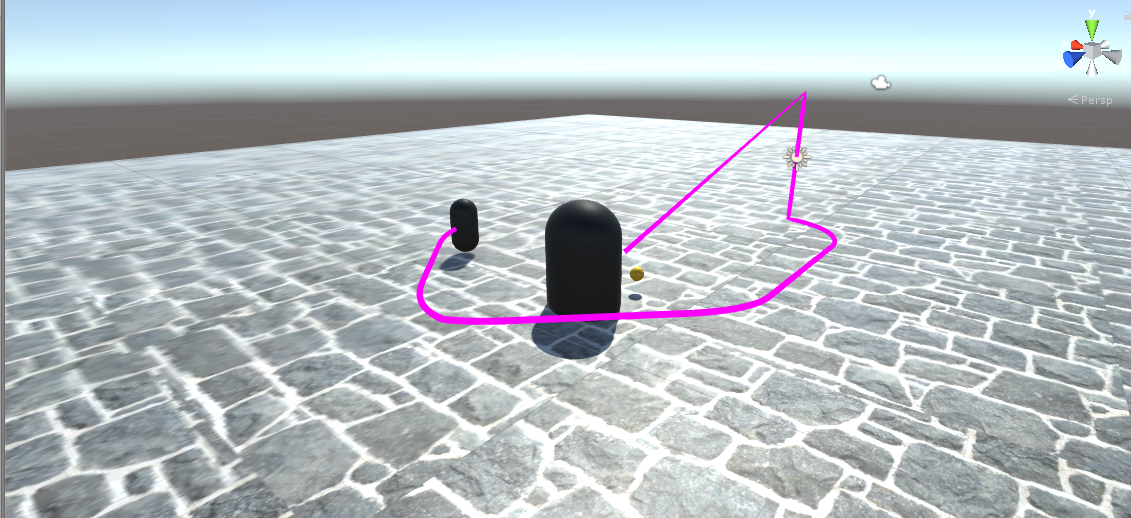
Despite my anxiety going into this project, I finally began to make a physical game in Unity! So far I’ve established the very basics of the game, designating a small black capsule as the Player Character, which I assigned the CharacterController move from the Unity documentation. I then created the Minotaur, which is represented by a giant black capsule for now, and assigned it an AI script I found here.
Next Steps:
Trail- needs to disappear when player retraces steps
needs to lie on the ground instead of floating
Apples- need to be collectible and throwable
inventory system?
Gameplay Brainstorming #2
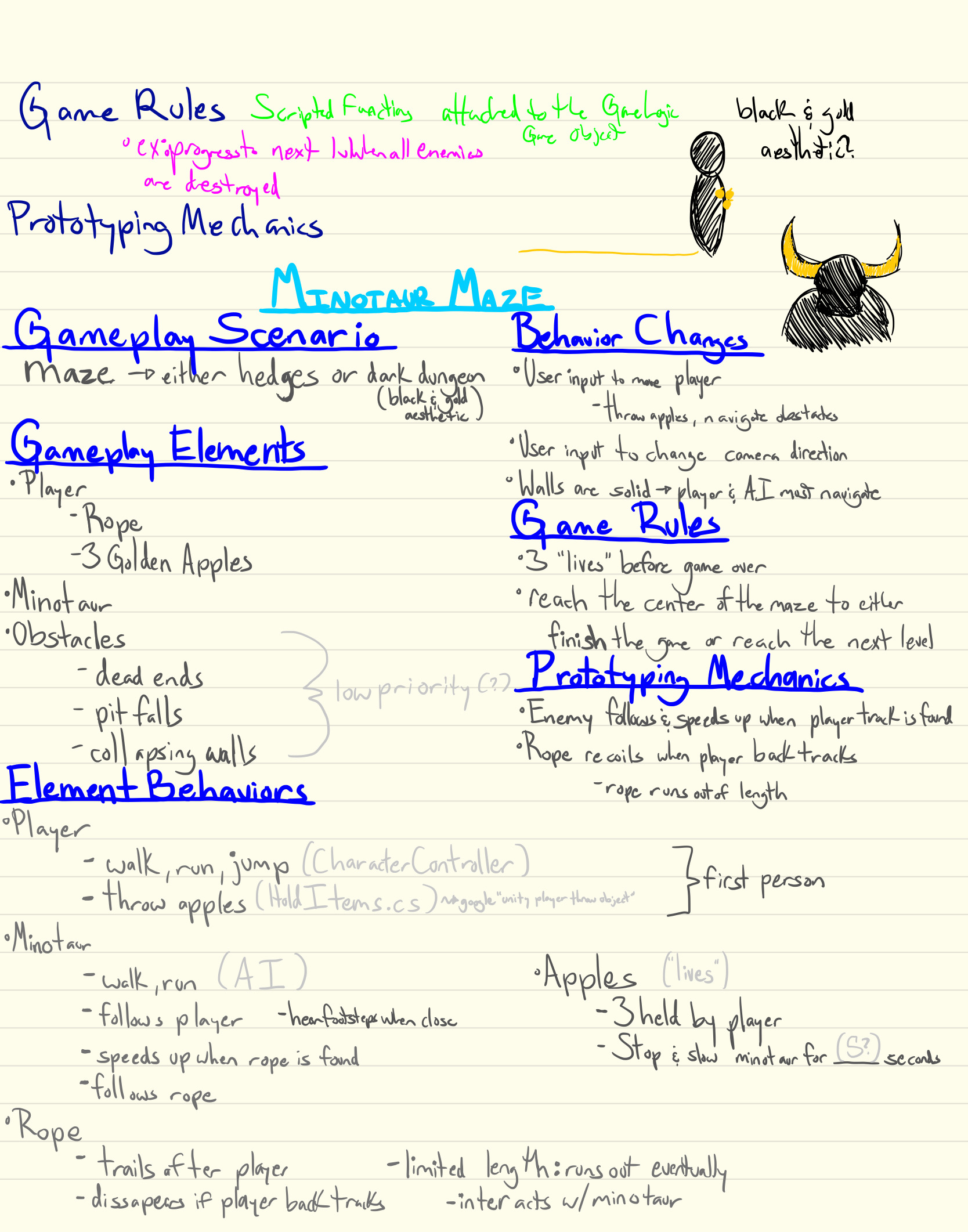
Now that I had finally decided on a concept, it was time to figure out how to execute my concept. This week’s lecture helped immensely as a starting point for me to figure out how and where to begin since this is my first time creating anything of this level on my own.
I took Grant’s process and customized it, listing category by category everything that I want my prototype to include. I’m still worried about actually implementing each of these categories, but I feel much more relieved now that they’re written down!
Gameplay Brainstorming #1
Despite the module description, I had no idea what I was getting into when I got my timetable and saw Gameplay Prototyping listed. All I knew was that it was a third-year class, and, as a second-year study-abroad student, that scared the shit out of me! I’m still getting a handle on all of the things expected of me, but I’m excited to dive head first into this class and make the best thing I can as a first time Unity user. I began brainstorming my gameplay mechanics right away, but, admittedly, I procrastinated. It was just terrifying; I knew what a game mechanic was, but I didn’t *know* what a game mechanic was. Luckily I have a wonderful nerd of a boyfriend, and he helped me sit down and brainstorm and now I have the inklings of what I want to make.
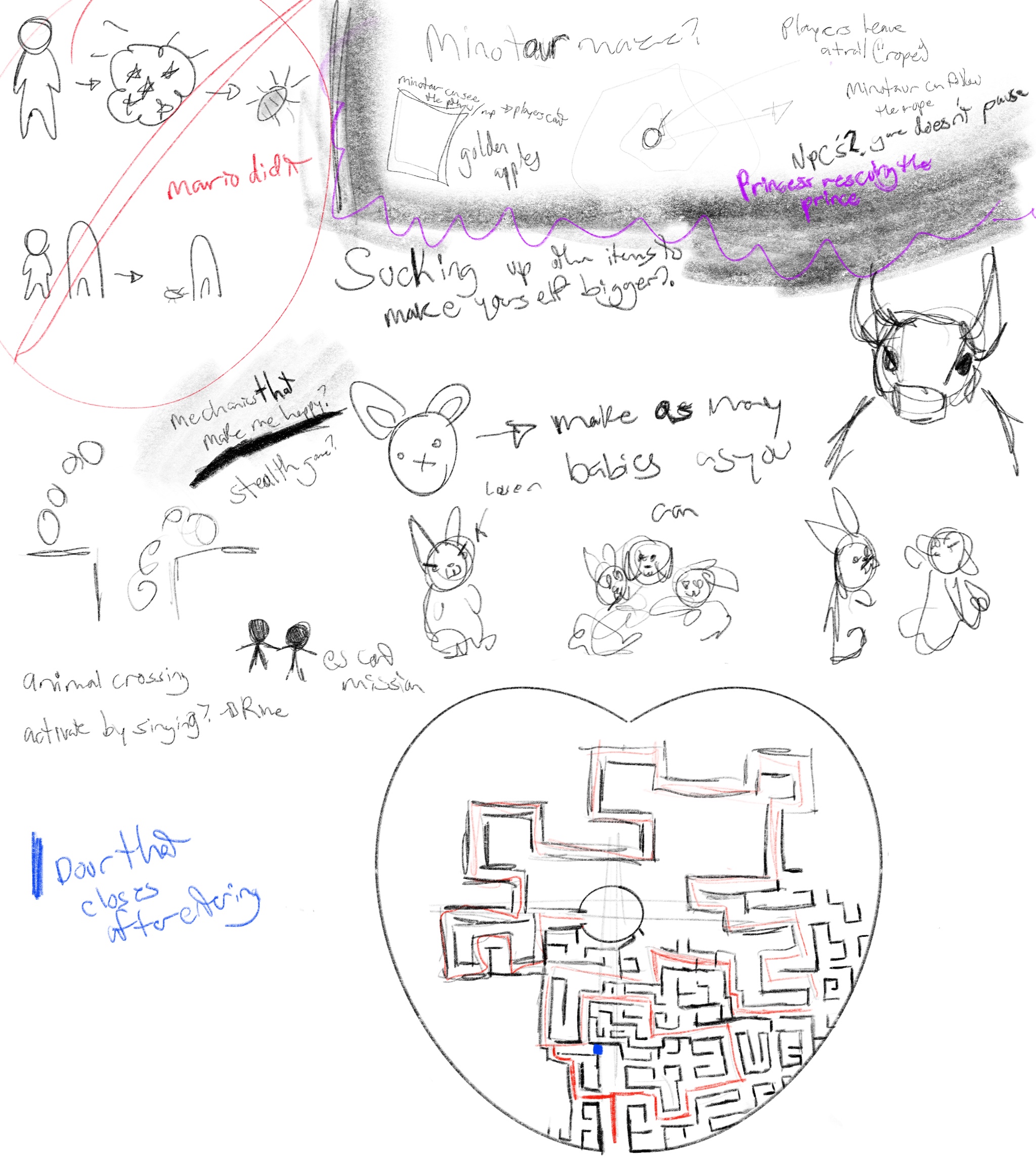
My initial concept revolves around the Greek mythology story of Minos the Minotaur and the two heroes that defeated him and his maze, Theseus and Ariadne. The game would take place in a maze with the minotaur slowly hunting you down. There are two main gameplay mechanics I would like to focus on: the first would be a golden rope that trails behind the player as they move, allowing them to find their way back out of the maze when they reach a dead end. The rope would be limited in length, so when the player reaches the end of the allotted distance they would be on their own and need to navigate the rest of the maze with no lifeline. The second mechanic comes in the form of the minotaur itself; it will be programmed to hunt down the player, and when it comes across the rope it will speed up and catch up to the player much more quickly. Here are my brainstorming notes:
 Bailey's Game Design Blog